 Europe
  United Kingdom
  Türkiye
  USA & Canada
  APAC
APAC 

 Materials Library
  Articles
  E-Books & Guides
  Manufacturing Stories & Cases
  Webinars
  Free Courses
  Free Tools
 Instant Quoting Engine: Upload, Customise & Order in Minutes
Whether you’re prototyping or managing small-to-mid-size runs, Xometry’s Instant Quoting Engine (IQE) helps you move faster. Xometry’s AI-powered core product that gives engineers and buyers instant pricing and lead times for custom parts. Trained on millions of manufacturing data points, it analyses CAD files and part specs to deliver fast, reliable quotes. Supports hundreds of combinations of manufacturing technologies, materials, and finishes — all in one interface.
Trusted by 85,000+ Procurement Professionals & Engineers Worldwide



























Why Use Xometry’s Instant Quoting Engine?

Instant Pricing and Lead Times
Upload your CAD files and get instant pricing and lead times—no delays, no back-and-forth. Ideal for tight timelines and accelerating your product development. Xometry’s platform leverages Deep Learning to deliver ultra-precise pricing and lead time predictions, based on your 3D models and requirements.

Optimised for Prototyping and Small-to-Mid Batches
Perfect for early-stage design and limited series production. Iterate quickly, test different materials or designs, and reorder seamlessly.

Flexible, Dynamic Configuration
Easily adjust manufacturing processes, materials, quantities, finishes, tolerances, threads, and more. Quotes update instantly with each change. The system provides instant DFM (Design for Manufacturability) feedback to help you make better design decisions early on.

Supported by Real Engineers & Quality Experts
Behind every online quote is a team of experienced sales engineers and quality control specialists who review your parts and support your production.

End-to-End Order Management
Track quotes, orders, invoices, and delivery from a secure dashboard. Multiple payment options available, including PayPal and invoice.

Real-Time Collaboration with Xometry Teamspace
Easily collaborate with other users on projects and custom part orders. Give members of your team roles and quick and easy access to quotes, order placement, part statuses, tracking information, and more.
How to Get an Instant Quote at Xometry


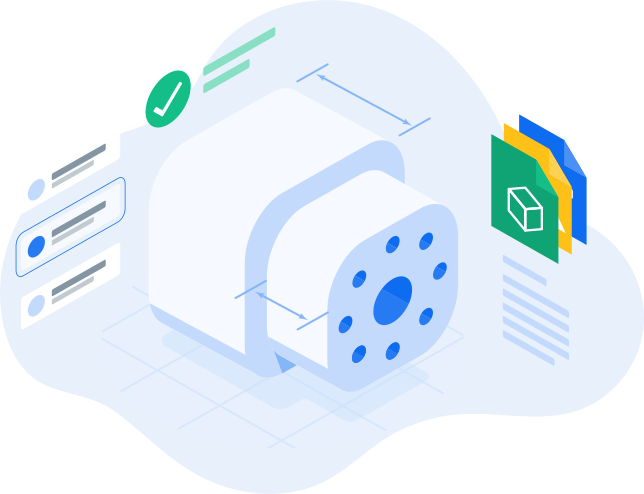


Watch This 1-minute Video to Learn How to Get Instant Quotes with Xometry